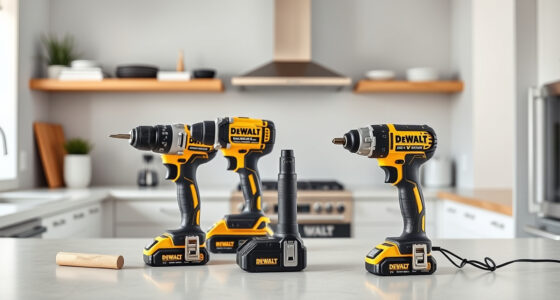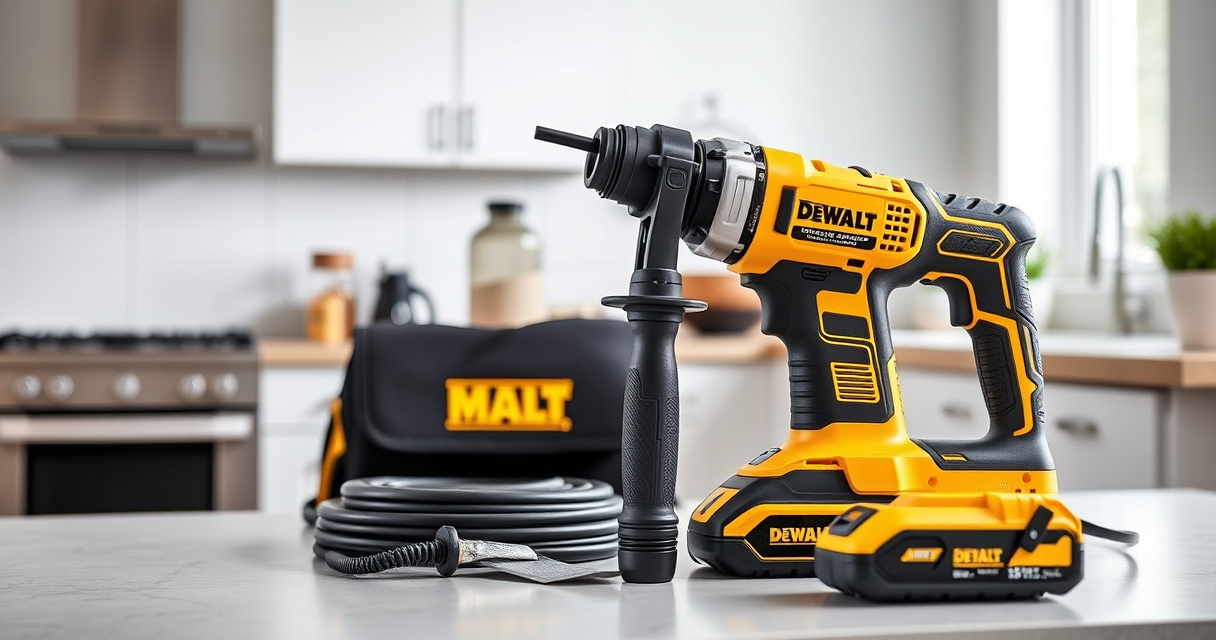

Getting started with your new DEWALT power tools can enhance your productivity and ensure safety during use. Proper setup is crucial to maximize performance, extend lifespan, and prevent accidents. This guide walks you through the essential steps to set up your DEWALT cordless drill driver, along with tips for maintaining safety and efficiency.

Get business pricing on tools and workshop supplies
- Business-only prices and quantity discounts
- Tax-exempt purchasing
- Multiple users, one account, clear invoices
Whether you’re a DIY enthusiast or a professional, following these clear instructions will help you get your tools ready for any project with confidence.
Key Takeaways
| Safety First | Always wear eye protection and follow safety guidelines during setup. |
| Battery Compatibility | Use DEWALT 20V MAX batteries for optimal performance. |
| Proper Charging | Ensure batteries are fully charged before use. |
| Secure Attachments | Tighten drill bits and accessories properly to prevent accidents. |
| Routine Inspection | Regularly check tools for damage or wear before use. |
Gather Your Tools and Prepare Your Workspace
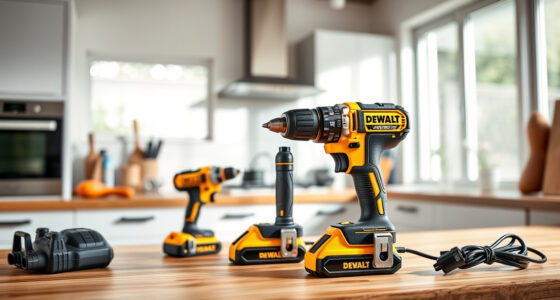
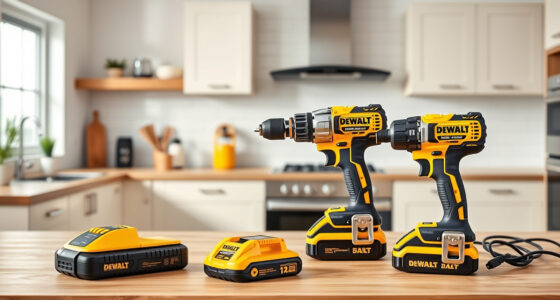
- Lay out your DEWALT drill set, batteries, charger, and any accessories such as drill bits or additional batteries.
- Choose a clean, dry, and well-lit workspace. Ensure there is enough space to maneuver your tools safely.
- Wear safety gear such as safety glasses and gloves if necessary.
Insert the Battery Correctly
- Locate the battery compartment on the base of the drill.
- Align the 20V MAX battery with the terminals, ensuring the contacts match the slots.
- Push the battery into the compartment until it clicks into place securely. The LED indicator will briefly light up to confirm connection.
Charge Your Batteries Fully
- Insert the battery into the DEWALT charger, aligning the contacts properly.
- Plug in the charger and observe the LED indicator: red means charging, green indicates fully charged.
- Allow the battery to fully charge before initial use for maximum runtime.
Attach and Secure Drill Bits
- Loosen the single-sleeve ratcheting chuck by rotating it counterclockwise.
- Insert the drill bit, ensuring the shank fits snugly into the chuck.
- Hold the chuck and rotate it clockwise until the bit is firmly secured. Tighten by hand or use the drill’s trigger to tighten fully.
Test Your Setup
Press the trigger to turn on the drill. Observe the LED light for visibility, and confirm the drill operates smoothly at both speed settings. Check the battery indicator for sufficient charge. If everything works correctly, you’re ready to start your project safely.
The Products in This Guide

DEWALT 20V MAX Cordless Drill Driver Set
- ✔ Size: 7.6 inches
- ✔ Battery: 2.0 Ah
- ✔ Warranty: 3 years

DEWALT Drill Bit Set
- ✔ Number of Bits: 14
- ✔ Tip: Split point
- ✔ Coating: Black and gold
DEWALT 20V MAX Cordless Drill Driver Set
<p>The DEWALT 20V MAX Cordless Drill Driver Set offers a brushless motor, compact design, and two-speed transmission, making it ideal for various tasks. Its ergonomic grip and LED light enhance usability even in tight or dimly lit spaces. The included 2.0 Ah battery and charger ensure you’re ready to work right out of the box.</p>
Pros:
- Lightweight and compact design
- Powerful brushless motor
- Two-speed transmission for versatility
- LED work light for visibility
Cons:
- Battery life may vary with heavy use
- No additional drill bits included
Best for: General drilling, fastening, and home improvement projects
Not ideal for: Heavy-duty industrial tasks or extended use without extra batteries
Bottom line: A reliable, versatile drill suitable for most DIY and professional tasks.
DEWALT Drill Bit Set
<p>The DEWALT Drill Bit Set features durable High Speed Steel bits with a 135-degree split point, perfect for plastic, wood, and metal. Its 14 pieces cover a wide range of drilling needs, and the 3-flats shank reduces spin-out, ensuring a secure fit in the chuck.</p>
Pros:
- Durable and rust-resistant coating
- Wide variety of bits
- Easy size identification
- High-quality steel
Cons:
- Bits may dull with heavy use
- No carrying case included
Best for: General-purpose drilling in various materials
Not ideal for: Heavy industrial or high-precision tasks
Bottom line: A versatile set that complements your DEWALT drill for everyday drilling needs.
Frequently Asked Questions
How do I update the firmware on my DEWALT drill?
Most DEWALT cordless drills do not have firmware updates. Ensure your tool and batteries are compatible and properly maintained for optimal performance.
Can I use third-party batteries with my DEWALT drill?
While some third-party batteries may fit, it is recommended to use DEWALT batteries to ensure safety, compatibility, and warranty coverage.
What should I do if my drill is not starting?
Check that the battery is fully charged and properly inserted. Inspect the trigger and safety switch for any damage or debris. If issues persist, consult a professional or contact DEWALT support.
How do I prolong the battery life?
Store batteries in a cool, dry place. Avoid leaving batteries fully drained or constantly on charge. Use the battery until it is nearly empty before recharging.
Is the LED light replaceable?
The LED light is built into the drill and not designed to be replaced separately. If it stops functioning, contact DEWALT service for repair options.
Getting Your DEWALT Power Tools Ready for Action
Setting up your DEWALT power tools correctly is essential for safe and efficient operation. By following these steps—gathering your tools, inserting batteries properly, charging fully, attaching drill bits securely, and testing your setup—you ensure a smooth start to your projects. Regular inspections and proper maintenance will keep your tools performing at their best for years to come. Remember, safety is paramount, so always wear protective gear and handle your tools with care. With your setup complete, you’re now equipped to tackle a wide range of tasks confidently and safely.
Affiliate disclosure: As an Amazon Associate we earn from qualifying purchases. Prices and availability are accurate as of the time of publishing.
Fall yard work Picks

Halloween Inflatable Haunted House Maze – 20×20 ft with Removable Roof and Blower
As an affiliate, we earn on qualifying purchases.